Native macOS App
Drowning in
AI-generated
Markdown?
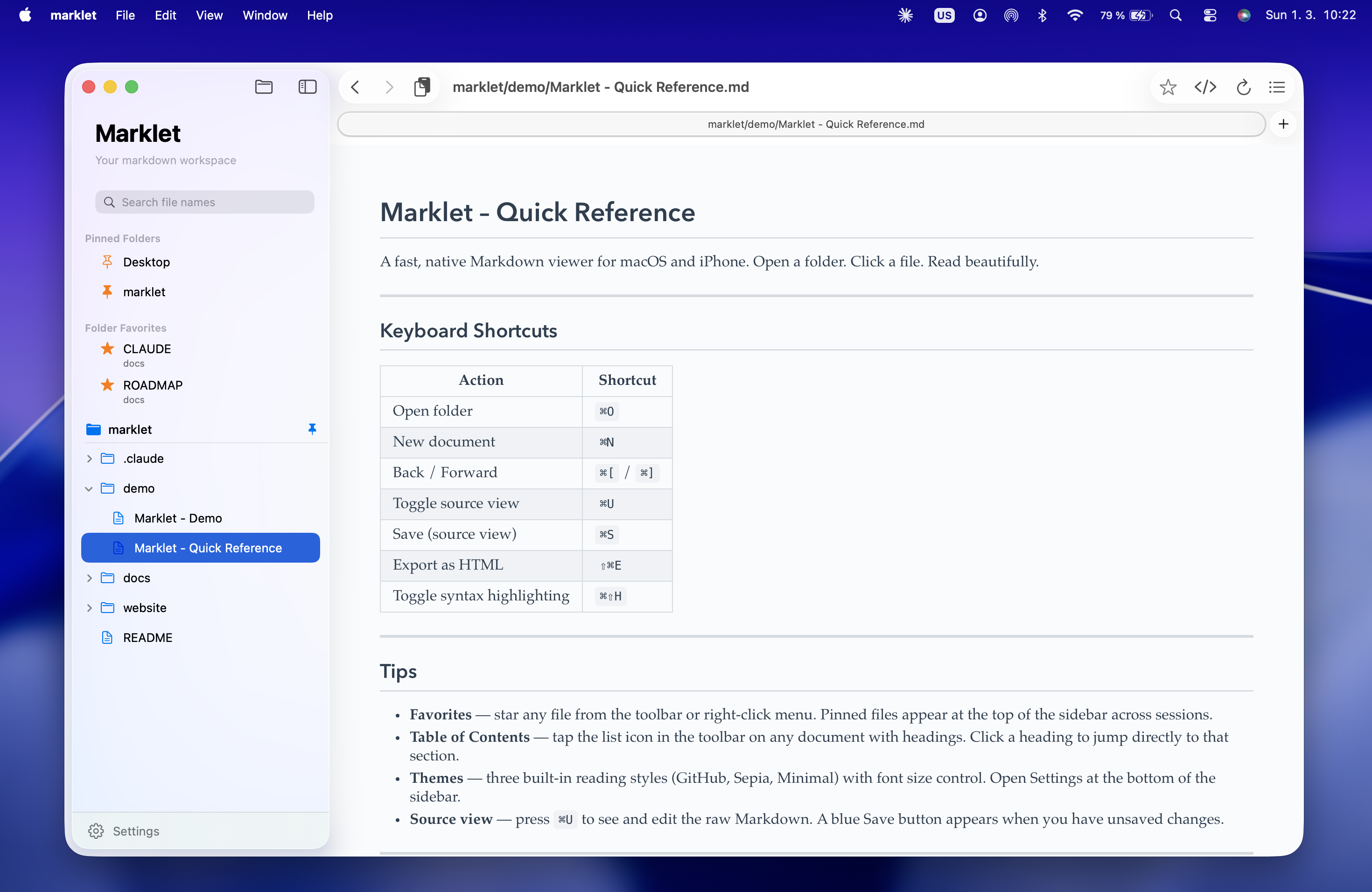
Marklet lets you open, browse, and preview Markdown instantly — so your AI output becomes usable content, not clutter.

$4.99 · One-time purchase · No subscription
Sound familiar?
AI made writing easier.
It also made Markdown everywhere.
If you use AI seriously, you probably have:
Folders full of AI-generated Markdown files
Multiple versions of the same drafts
Long outputs you just want to review quickly
Constant format conversions you don't enjoy
The friction isn't writing.
It's handling the output.
Meet Marklet
Fits naturally into AI workflows
Keep your AI tool on one side. Marklet on the other.
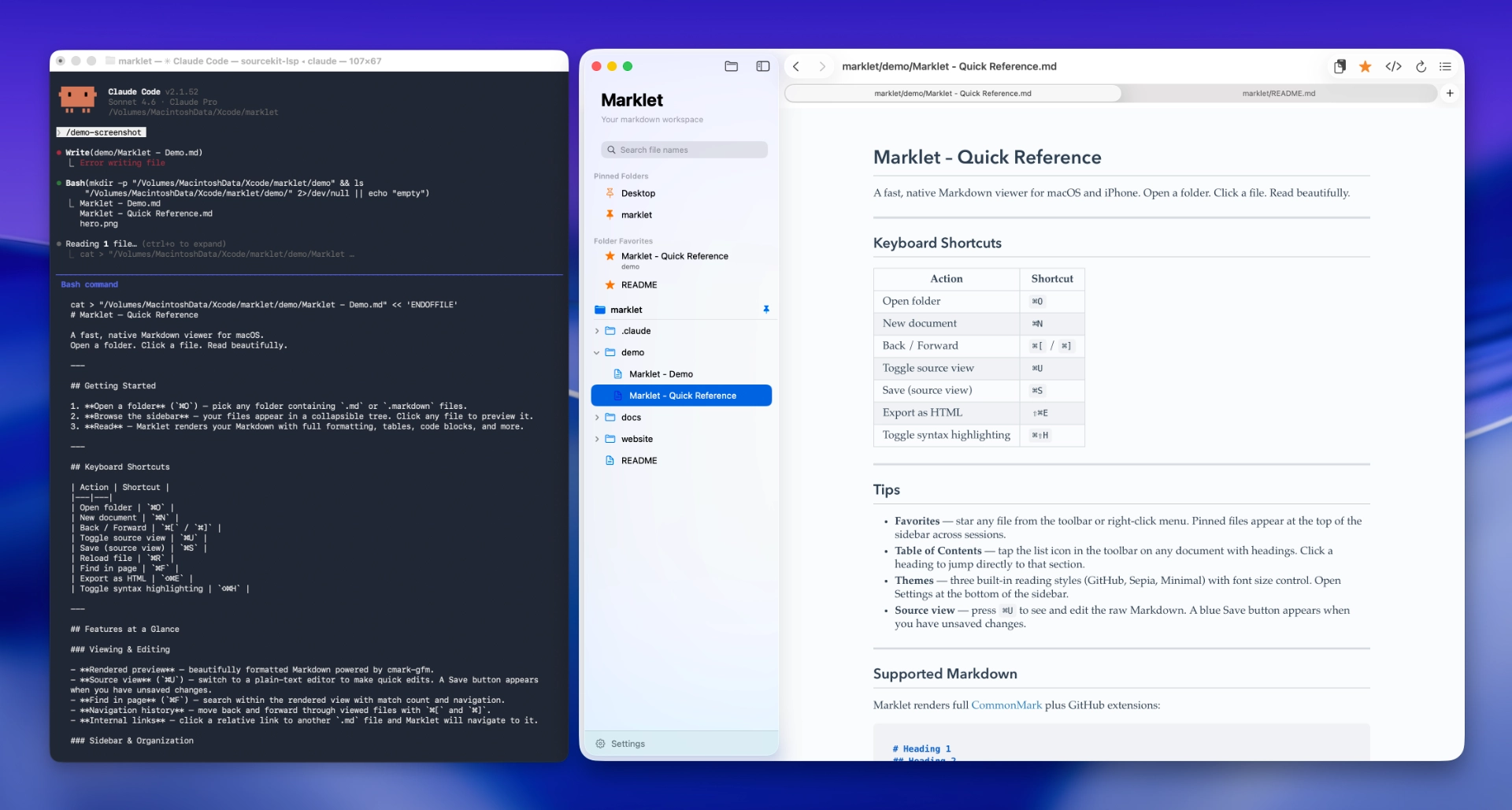
Marklet becomes the calm space where your AI output turns into usable content.
The idea
A calm place for your Markdown
Marklet is a fast Markdown browser built for people working with AI-generated content.
Open a folder. Click a file. See it beautifully rendered instantly.
No imports
No databases
No lock-in
Just your files, clearly displayed.
Features
Everything you need.
Nothing you don't.
Instant Preview
See formatted Markdown the moment you click a file. No loading, no lag.
Folder-Based Browsing
Works directly with your file system. No vaults, no imports, no setup.
Themes
Four reading themes — GitHub, Sepia, Minimal, Editorial. Font size and content width adjustable in Settings.
Quick Editing
Toggle source view with ⌘U, find anything with ⌘F, save with ⌘S — and stay in flow.
Favorites & Pinned Folders
Star individual files. Pin entire folders for one-click switching. Your most-used content always within reach.
Syntax Highlighting & Diagrams
Code blocks render with full syntax color. Mermaid diagrams come to life. Built for technical Markdown.
Philosophy
Built with restraint
Not a note-taking system.
Not a second brain.
Not a collaboration suite.
Just a dependable Markdown companion.
Let your AI write.
Let Marklet handle the Markdown.
A calm, focused Markdown companion for the age of AI.